
Signing In
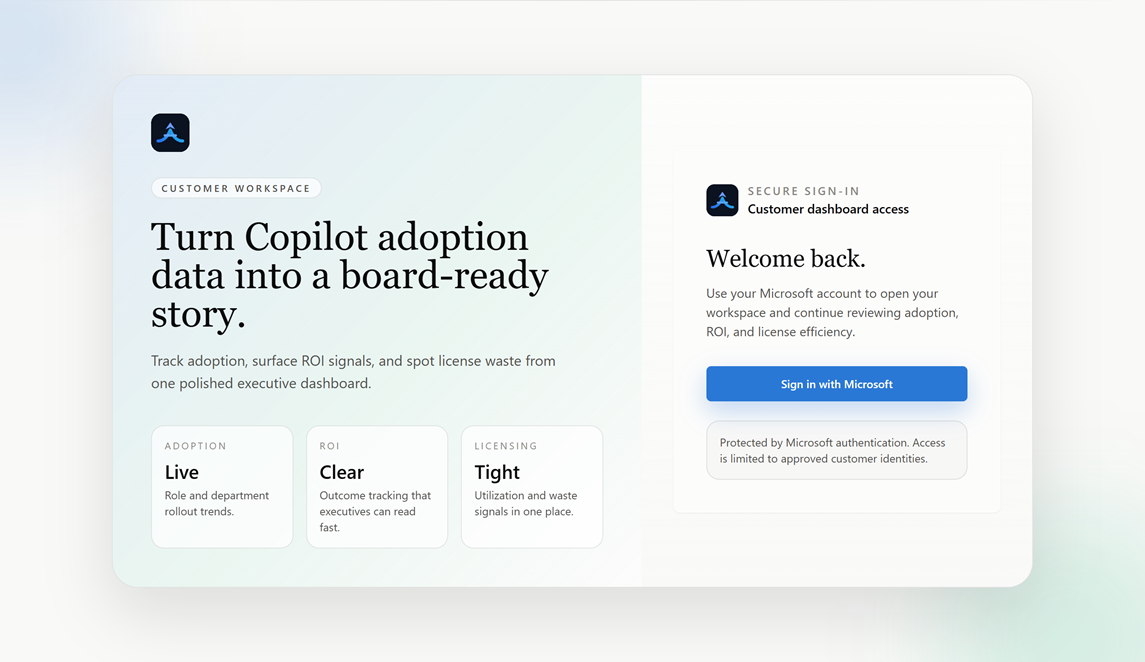
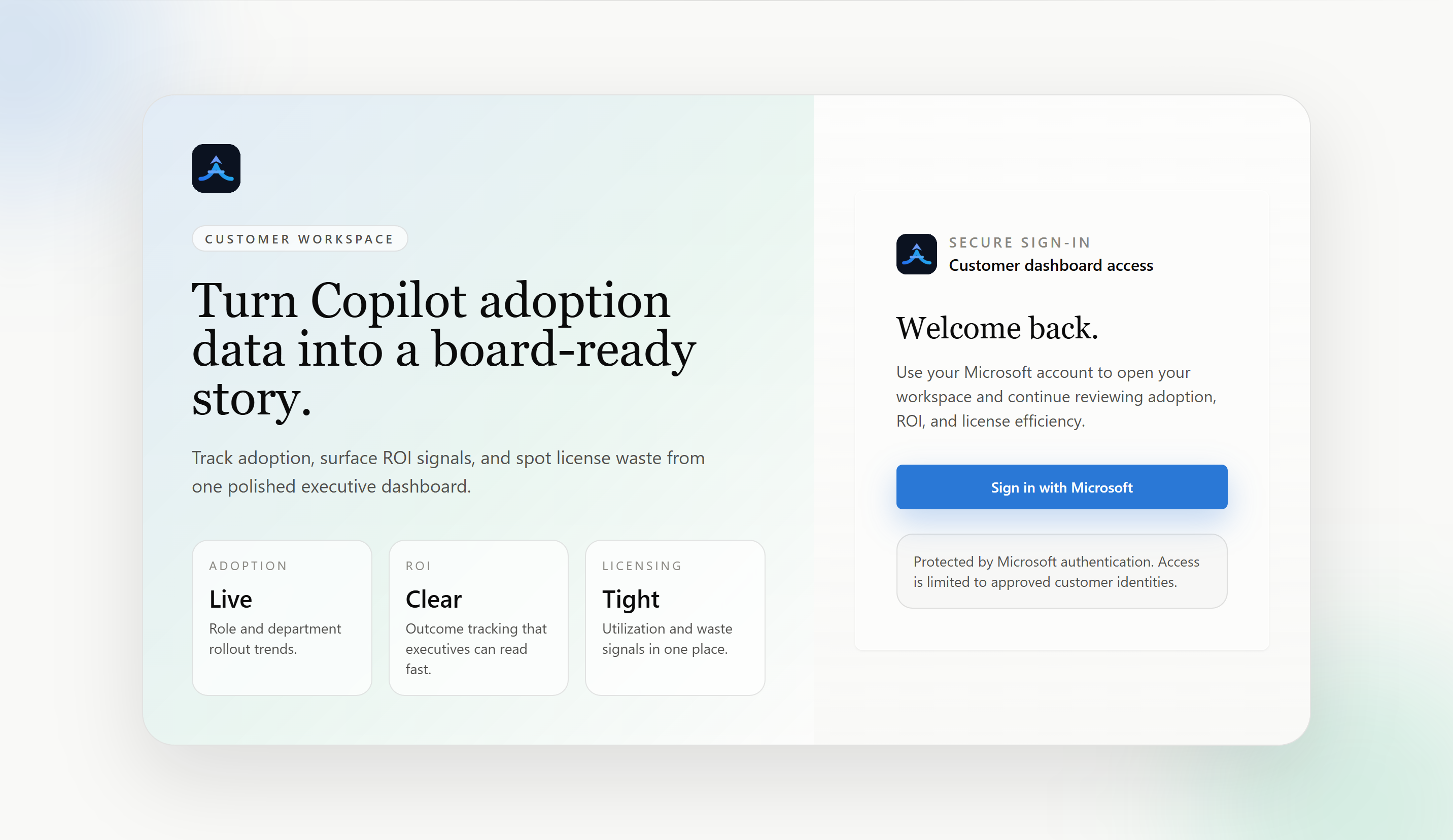
Adovance uses your existing Microsoft account. There is no separate password to manage.
Sign in
- Go to your Adovance dashboard URL.
- Click Sign in with Microsoft.
- Complete the standard Microsoft sign-in (including MFA if your organization requires it).
- You’ll land on the Overview page.
Who can sign in
- Anyone from a tenant that has granted admin consent can sign in.
- No special admin role is required just to view reports.
- Access is scoped to your tenant only - you never see another organization’s data.
Common sign-in messages
| Message | What it means | What to do |
|---|---|---|
| Trial Expired | Your trial window has ended | Contact us to convert to a paid plan |
| Consent not granted | Your tenant hasn’t completed admin consent | Ask your Global Administrator to complete onboarding |
| Access blocked | Account or tenant is not active | Contact support |
Signing out
Use the account menu in the top-right of the dashboard to sign out.