
Data Quality & the Concealed-Names Trap
The problem
The single most important setting for accurate Copilot reporting - and the one most likely to make your dashboard look wrong.
The problem
By default, Microsoft conceals user, group, and site names in all usage reports. It replaces real identities with anonymized hashes. Any tool that reads Graph usage data - including Adovance - then can’t match a usage row to a real user.
The result: every user appears inactive, regardless of how much they actually use Copilot. Your adoption looks like zero, and your waste looks like 100%.
The fix
A Global Administrator must turn the setting off:
- Go to the Microsoft 365 Admin Center.
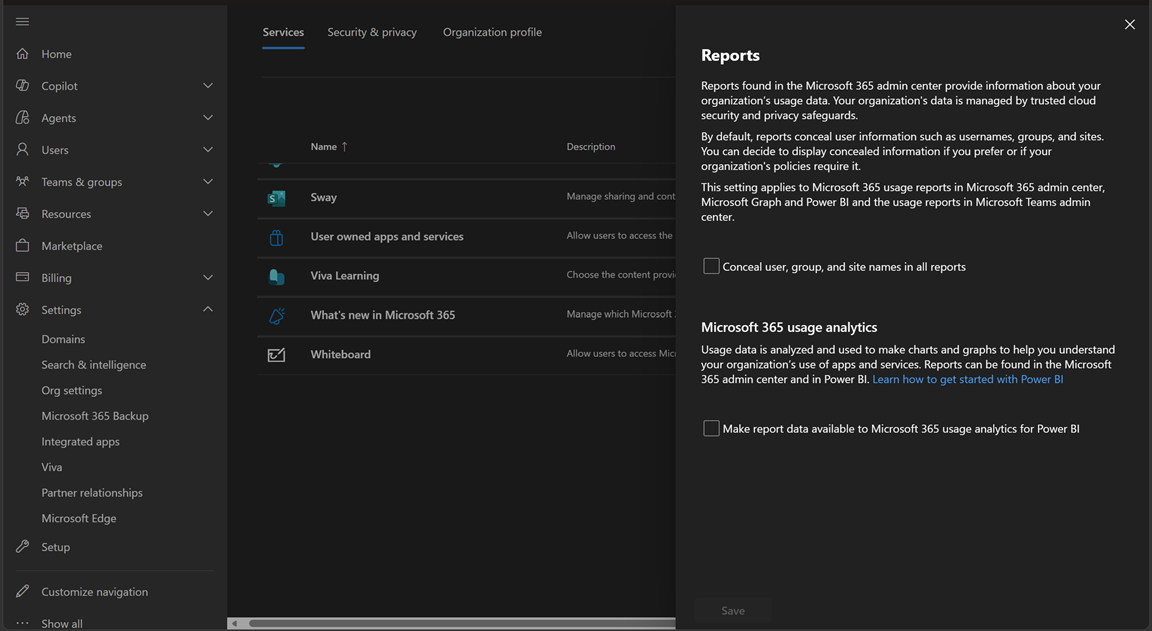
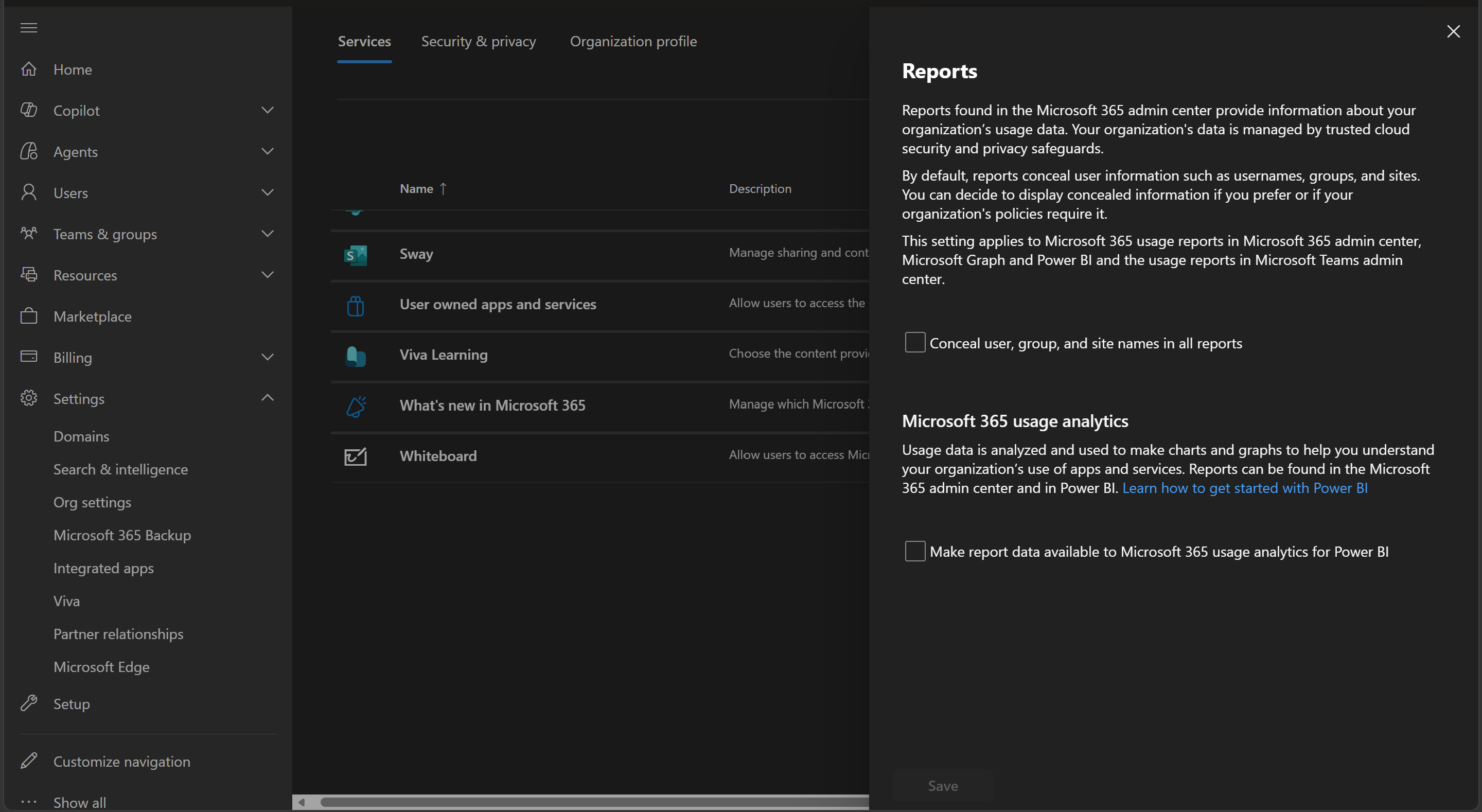
- Navigate to Settings → Org settings → Reports.
- Uncheck “Display concealed user, group, and site names in all reports”.
- Save.
- Wait for the next Adovance sync (or ask us to trigger one).
How you’ll know it’s still on
If concealed names are still enabled, Adovance shows a persistent data-quality banner at the top of the dashboard whenever a sync matched 0 users despite Graph returning rows. That’s the tell-tale sign.
📸 Screenshot to insert: The data-quality banner warning about a 0-user match.
Why we don’t change it for you
Adovance has read-only access and deliberately does not flip this org-wide setting on your behalf - it affects all reporting in your tenant, not just Adovance, so the decision stays with your administrator.